An RPG that plays itself.
You just take a look.
A pixel art hero lives at the edge of your screen: it walks, fights, fishes and levels up while you work or study.
More options
This is the real game, running right here. The computer around it is pretend: on your screen, the companion is a small transparent window, with no frame, always on top. Click the hero: it reacts. At night, it sleeps.
“I like RPGs, but I have no time.”
So the RPG became company: the Tamagotchi that came to life, the Word Clippy that grew a personality. It lives on your screen and you only look when you feel like it.
It plays itself
Walks, fights, chops, mines, fishes, rests, and sometimes just stands there, watching the world.
You look
A little window in the corner of your screen. Look, see what happened, go back to work.
You watch it grow
Level, a weapon that changes the hero’s glow, rare monsters, a bestiary and achievements.
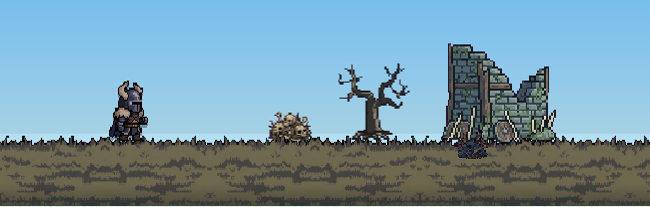
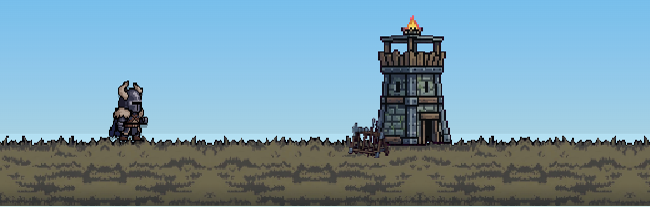
The path is not random: camps, ruins, towers, tombs and groves show up as little scenes, one at a time.
From two memories of old computers: Clippy, the paper assistant in the corner of Word, and the wallpaper of the man lost on the island. A tiny character that keeps you company without getting in the way, now with a life of its own.
You went to work.
Your hero stayed.
Fought a skeleton.
Fished in a pond.
Chopped wood.
Lit the campfire at night.
When you come back, it has leveled up, found items and crossed paths with a rare critter. Everything is saved on your computer.
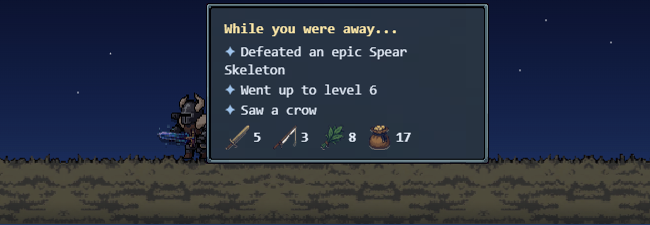
When you look again, it shows what it did. If there is news, it waves or jumps to get your attention.
The first 5 minutes
- Name your companion.
- Place it in the corner of your screen.
- Go back to work.
- Look whenever you like.
- Find out what happened.
Open it. Give it a name. Leave it there. Go to work. Come back whenever you like. It is not a task. It is company.
The weapon changes the hero’s glow. Monsters evolve too.
The weapon glow follows its rarity. On monsters, a pulsing aura shows their level: one look and you know who is who.
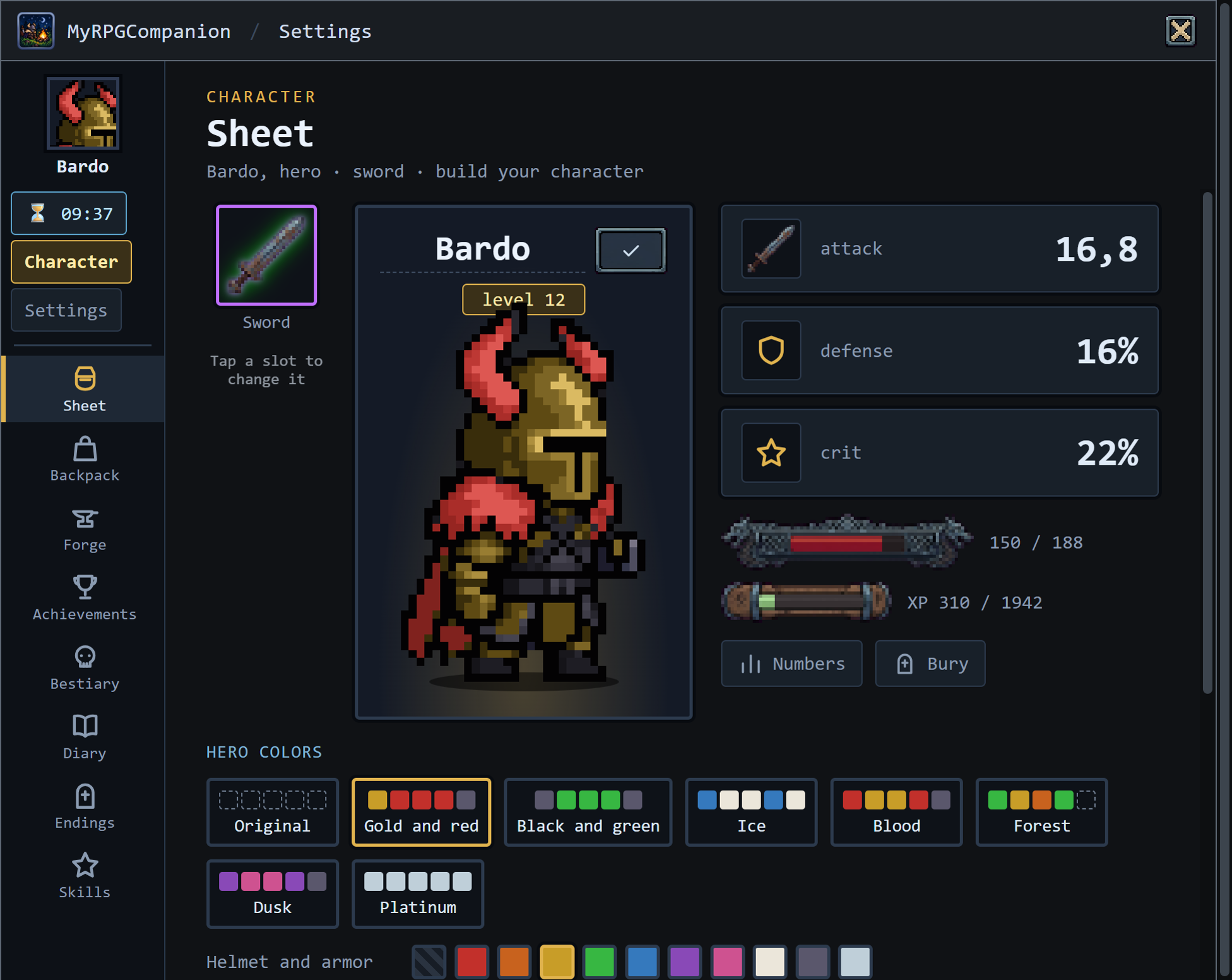
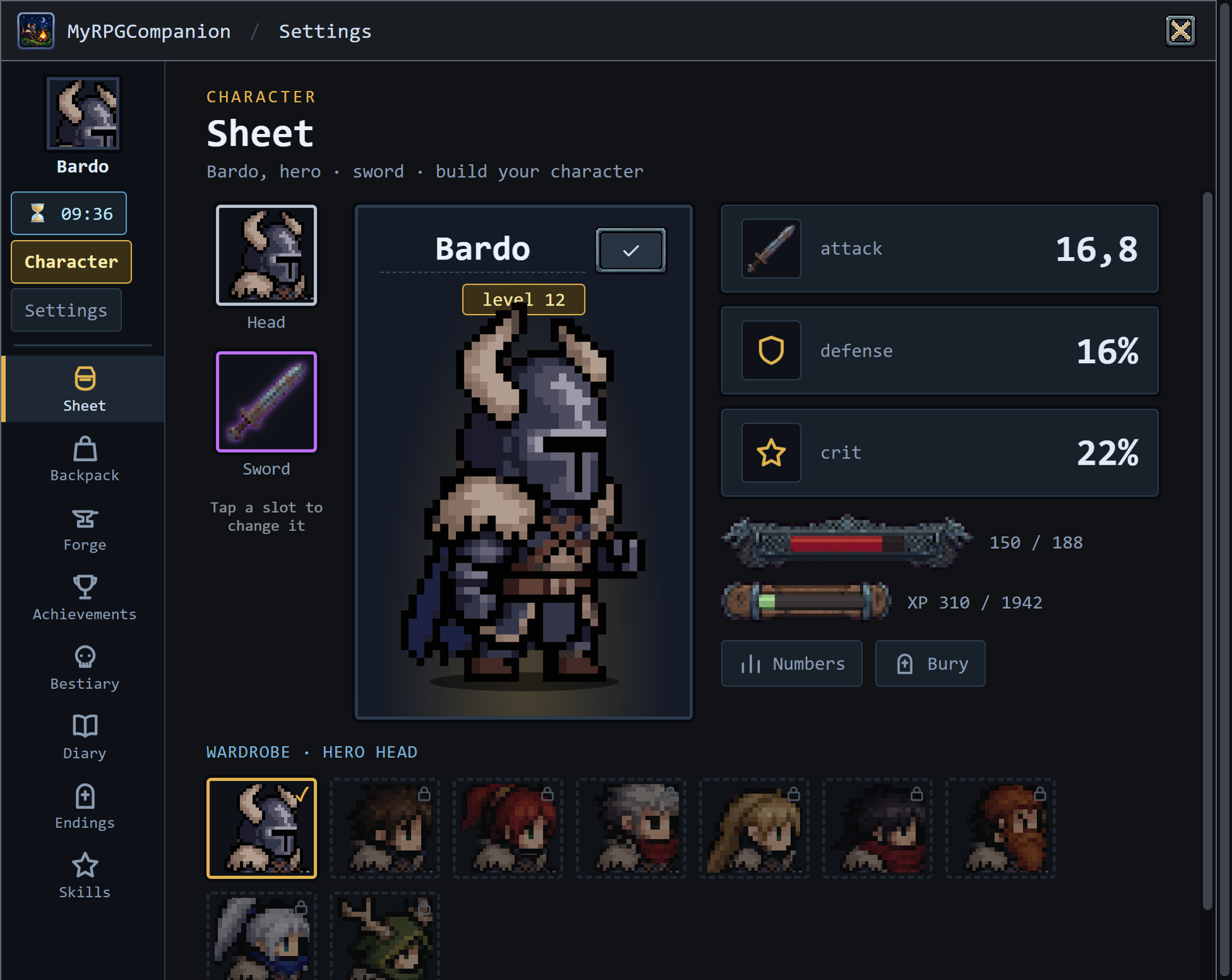
The hero sheet
Build your character: the weapon in a slot, the big hero in the middle and the real numbers, attack, defense and crit, with the game’s health and XP bars.
A wardrobe keeps the hero’s colors, piece by piece. Epic or better weapons get a rarity aura.
The notebook of everything you have seen
The Bestiary keeps every monster defeated, in every rarity. Whatever has not shown up yet stays a silhouette. More achievements mark the way.
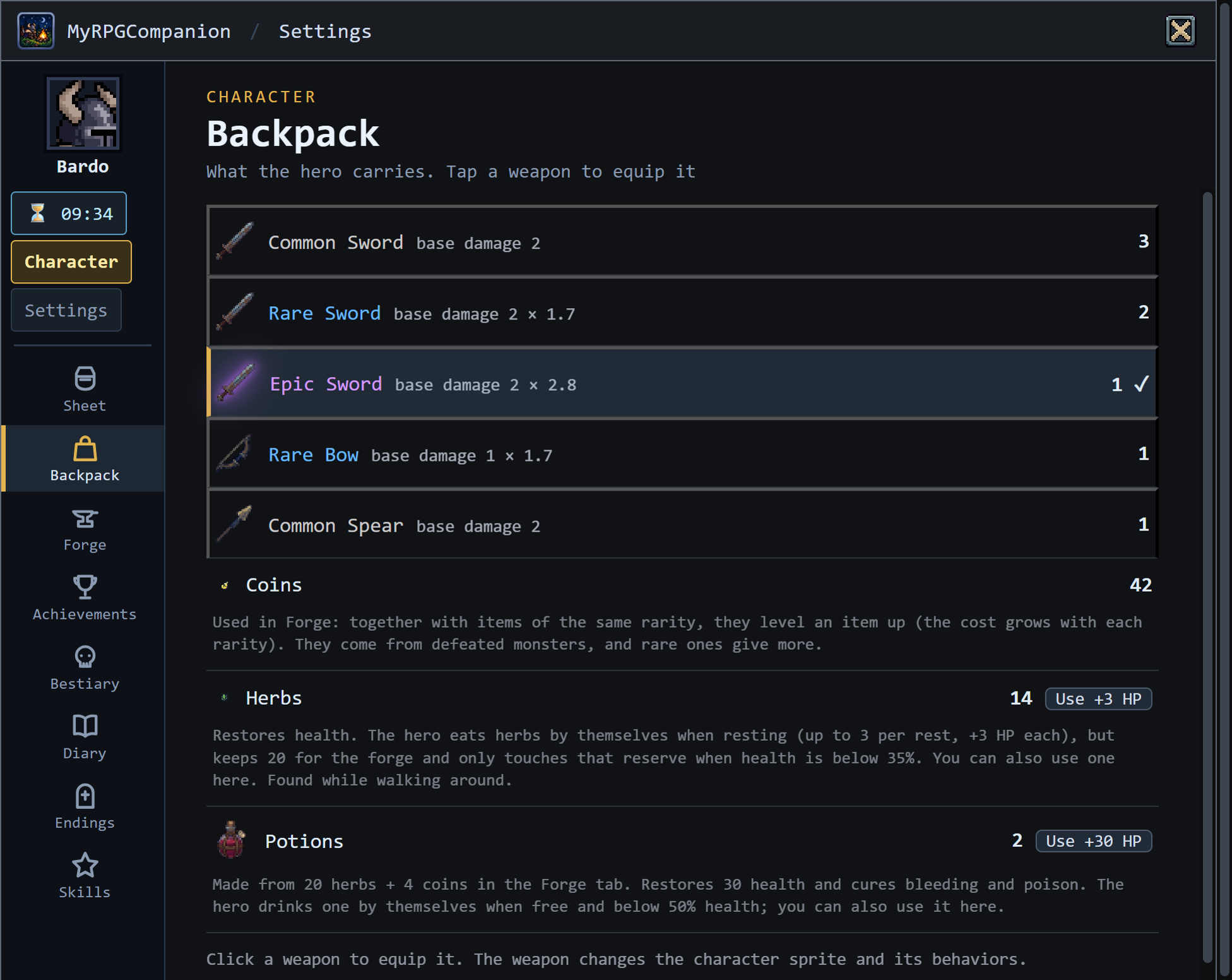
The backpack holds sword, bow and spear in five rarities. In the forge, duplicate items turn into better weapons.
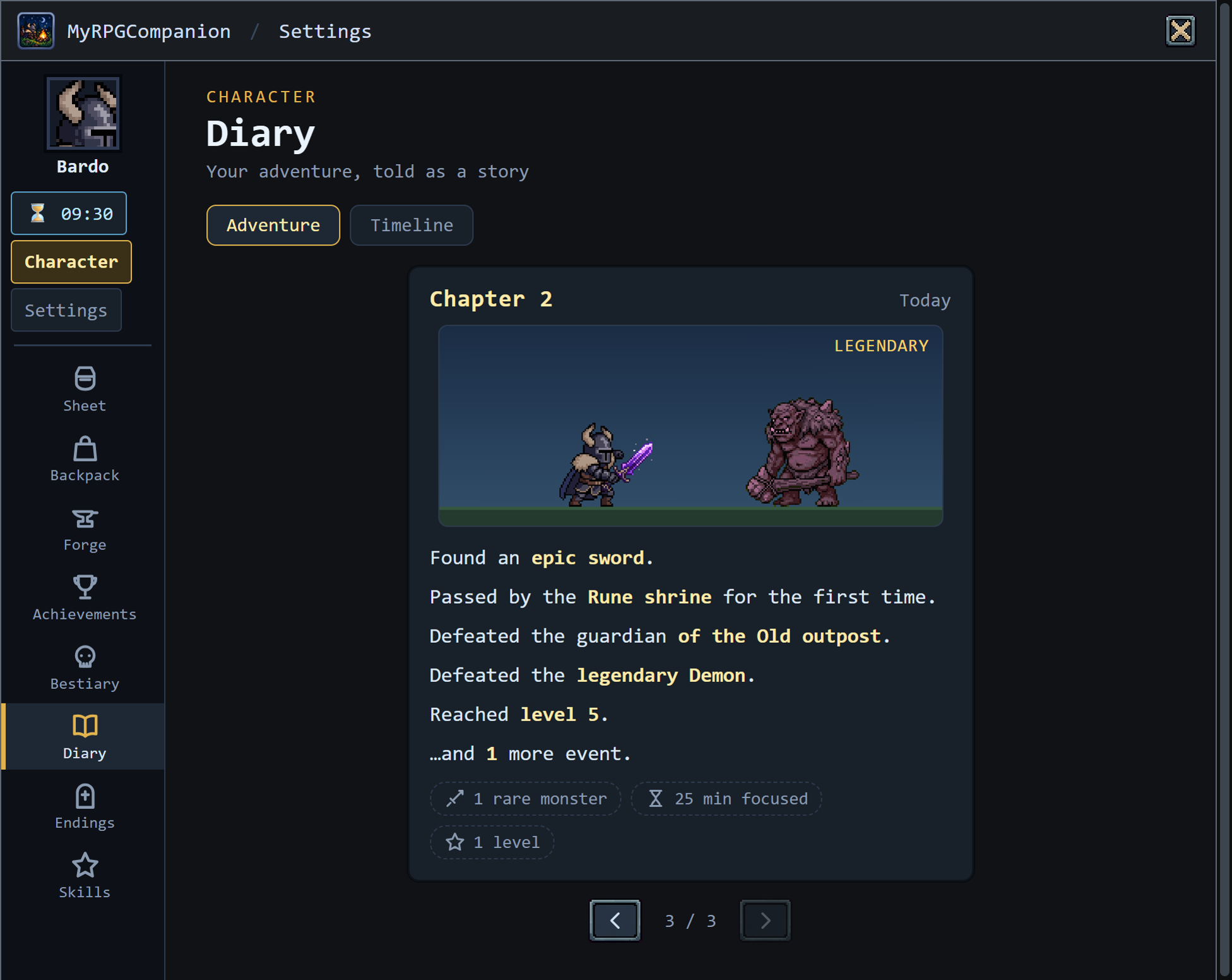
The story of your adventure
The Diary tells your adventure in pages, one chapter per day, with a scene built from the game art. The timeline lists what is worth remembering, in order: levels, rare monsters, places and critters seen for the first time, achievements.
Legendary and mythic bosses arrive bigger. The hero reacts to what it suffers: freezes, bleeds, gets struck by lightning, and drinks a potion when needed.
A name of your own
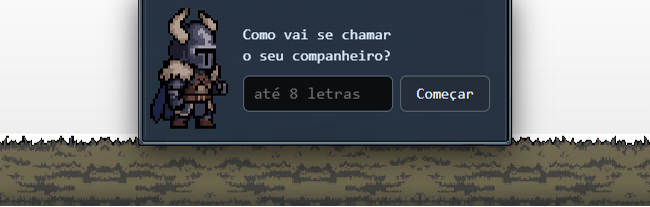
The first time, it asks what it will be called. A touch of Tamagotchi: a companion of yours that grows while you do other things.
And sometimes a rare critter shows up: crow, frog, bunny, rat, sheep.
Study and focus with a companion at your side.
One area of the menu just for concentration: focus (pomodoro), habit and alarm. The more you focus, the more the hero earns: +50% XP while you focus.
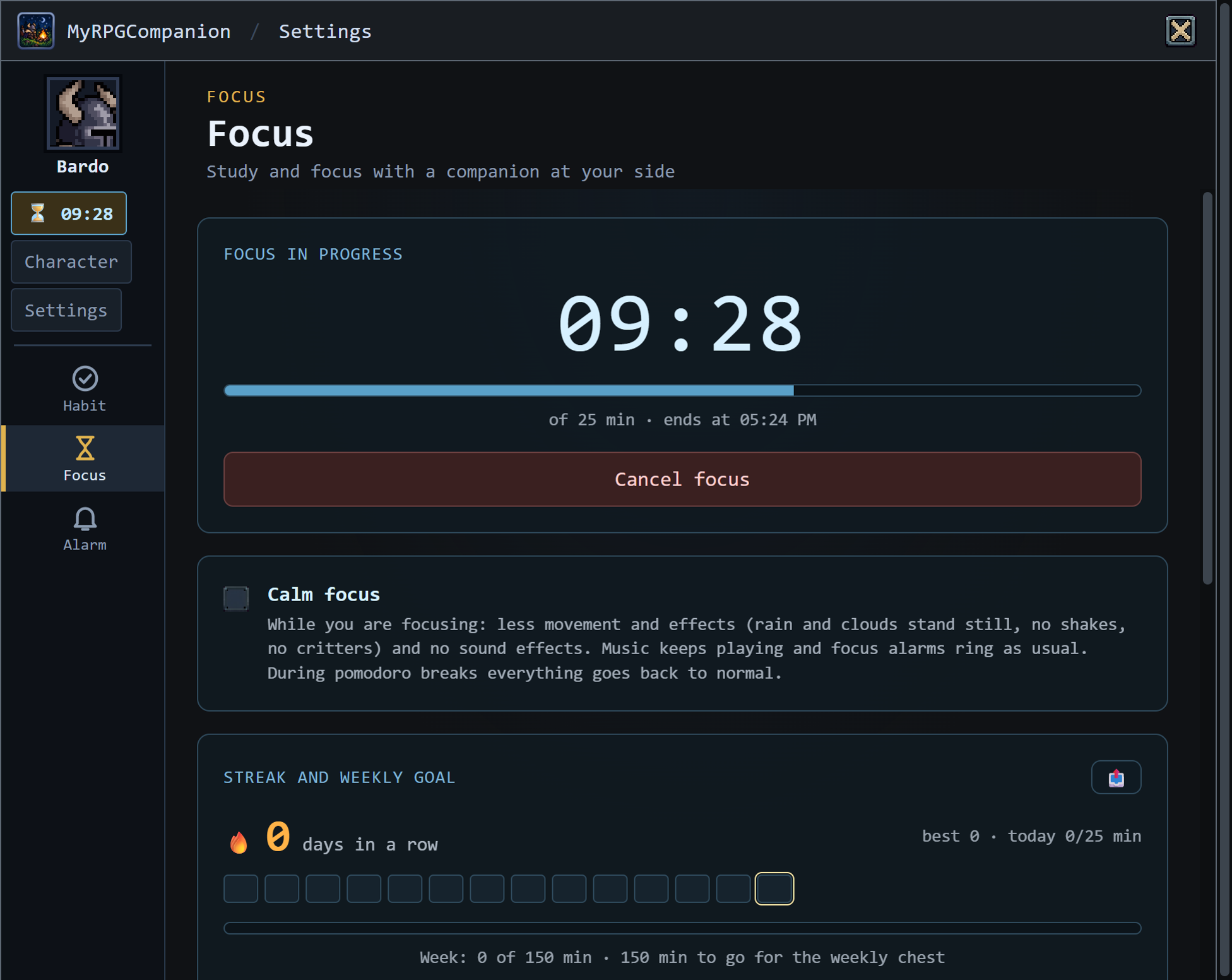
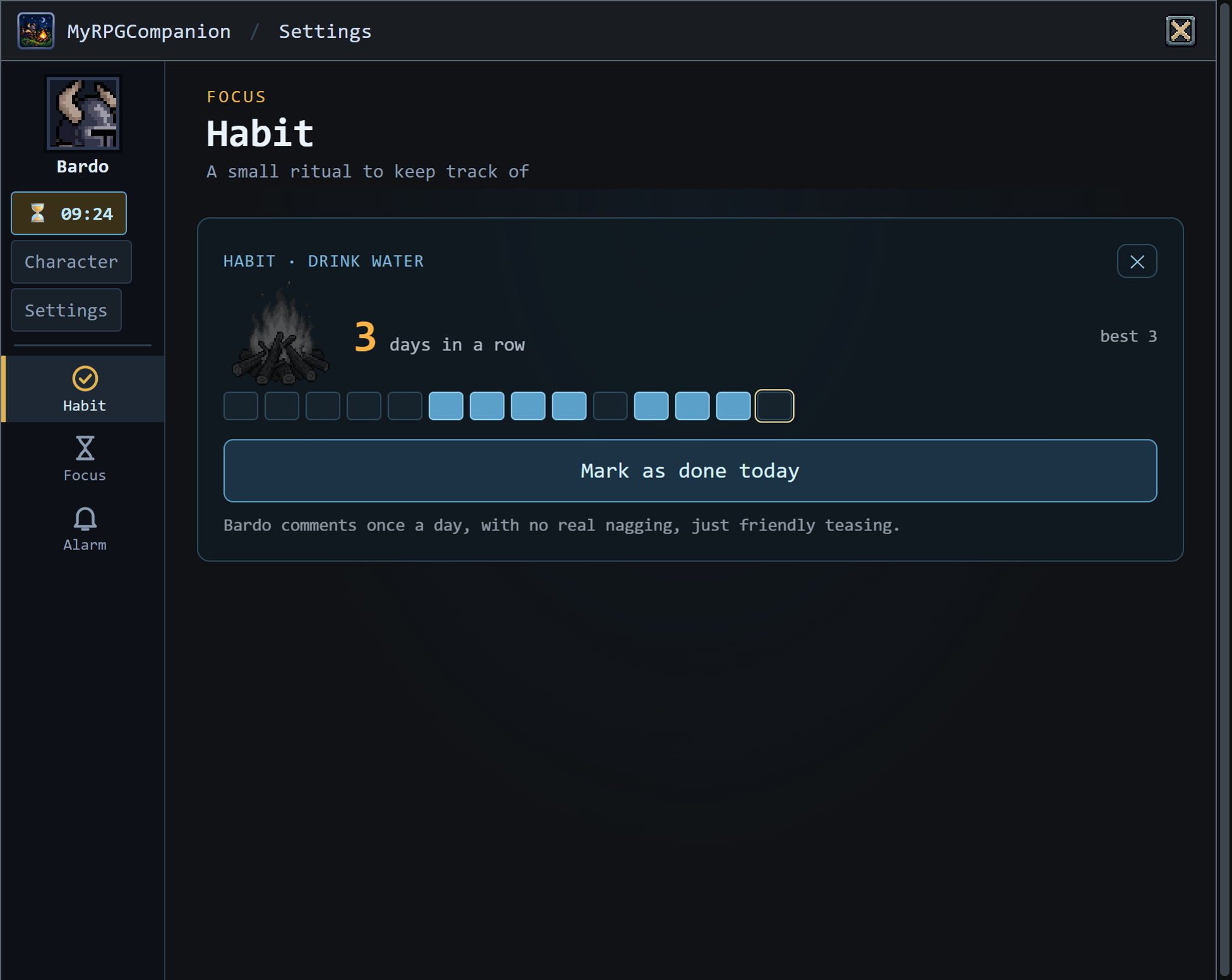
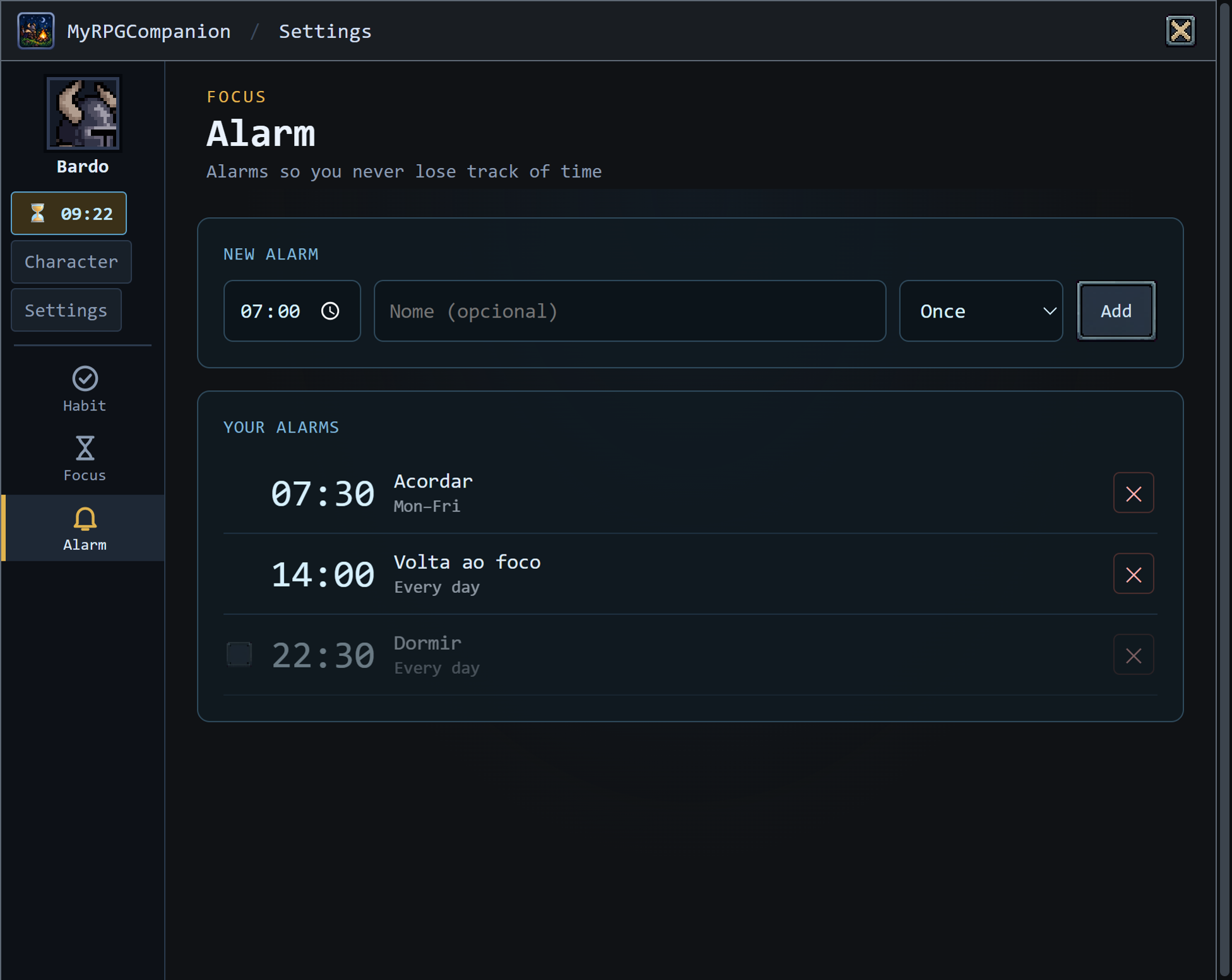
When it ends, a bell rings until you click OK, and the game comes to the front of other windows.
Make it yours.
Frames for the window, scenery themes and colors for the hero, piece by piece. Some come free with level and achievements; the rest are supporter cosmetics.

Vine, starry night, ice and more.

Autumn, winter, spring, desert, sunset and full moon.
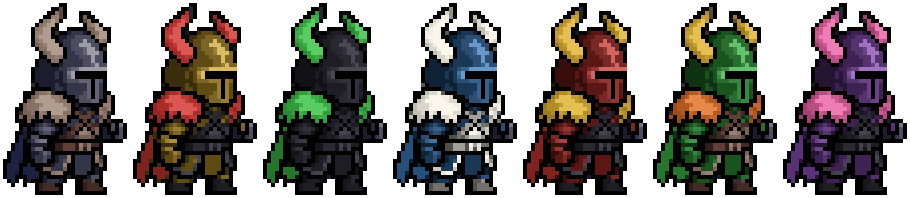
Helmet, horns, pauldron, cape and leather, each piece with its own color. Plus aura and trail.
Made to stay open all day.
What changed in each version.
The release notes live on their own page.
Download MyRPGCompanion
Free. Windows: installer (creates a shortcut and uninstalls through Windows) or portable (a single file, no install). Linux: AppImage (recommended) or .deb.
The version to download today is 0.9.2, the same as the demo above. If something looks off, tell us in Contact.
Windows notice: the app does not have a digital signature yet, so Windows may show “Windows protected your PC”. Click More info and then Run anyway. The official download is this one, from the project’s GitHub: use only it. To check that the file is the original, compare the SHA-256 on the release page. A digital signature is planned.
Linux instructions
New version, still lightly tested; the transparent window varies with the desktop environment. AppImage: chmod +x MyRPGCompanion-0.9.2.AppImage and then ./MyRPGCompanion-0.9.2.AppImage (if it asks for FUSE: sudo apt install libfuse2). .deb: sudo dpkg -i MyRPGCompanion_0.9.2_amd64.deb (if a dependency is missing: sudo apt -f install). If the game does not open the window from the menu, run rpg-desktop-companion --no-sandbox in a terminal. macOS: not yet.
The game is free. Support it if you like.
A one-time donation by Pix or card of R$ 15.00 or more unlocks all cosmetics forever, today’s and future ones. Donating less helps a lot too, but does not unlock cosmetics. Payments are Brazil only, through Mercado Pago (Pix is Brazil’s instant payment system).
Credit card, Pix or Mercado Pago balance, on the secure Mercado Pago page (your card never goes through here). Pick an amount:
From R$ 15 unlocks all cosmetics. Below that it is a simple donation, without cosmetics.
Confirming your payment…
As soon as Mercado Pago confirms, your code shows up here. You can close the page and come back later: this browser remembers the order.
Pay in your bank app
Scan the QR Code or use “copy and paste”.
Waiting for the payment…
Payment confirmed!
Your supporter code (keep it; it works on any computer):
- Open the game and go to Settings › Settings › About.
- Open “I already have a supporter code”, paste it and click Activate.
- Done: the cosmetics show up in Settings › Style.
Pix (any amount) or card and other methods (fixed amounts), Brazil only, through Mercado Pago. Mercado Pago itself confirms the payment. The code only comes out after that. The minimum amount to unlock cosmetics is R$ 15.00.
Ideas, questions or a bug?
Write here. The message goes straight to me and I reply by email. Suggestions for monsters, endings and cosmetics are very welcome.